Online Photo to Cartoon Converter
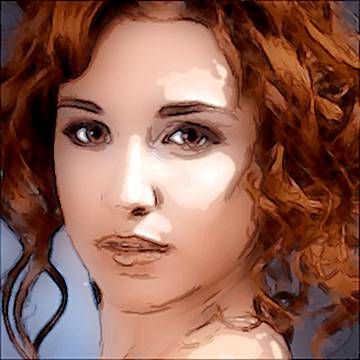
It's a versatile cartoon photo editor to transform photos and complex pictures into cartoon drawings or comic illustrations.
Behind the scenes, there is a powerful drawing application that offers you great control over colors, gradients and contours.
It's very recommended you know all our cool "photo to cartoon" apps to be used online. They can design many beautiful
and innovative styles of cartoon illustrations from portraits, landscapes or any kind of image:
IMPORTANT TIPS:
- The cartoon effects below are just samples. They don't show all ways to cartoonize your photos by using the software.
- Each cartoon contour style offered is very different from the other ones. Test all styles to choose the most beautiful for the photo you want to turn into cartoon.
- if your result is not as good as you expected, possibly it's caused by the color distribution of the input image. Usually you can improve the output image by making some pre-processing of the input photo colors.
Original photo

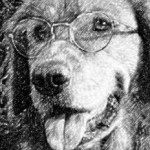
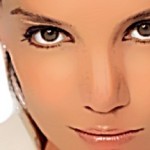
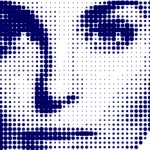
Cartoon Photo Effect 1
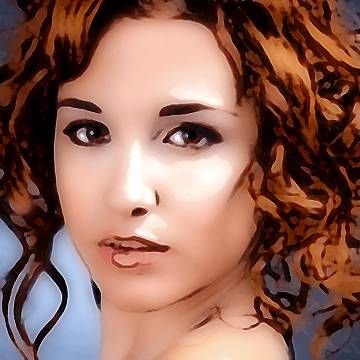
Cartoon Photo Effect 2
FFFFFF